To update your profile details in the NHHI LMS (e.g. email address, AHPRA number, employee number, student number and occupation):
Go to the National Hand Hygiene Initiative (NHHI) Learning Management System (LMS) and click the Login button.
Enter your login ID OR registered email address and password: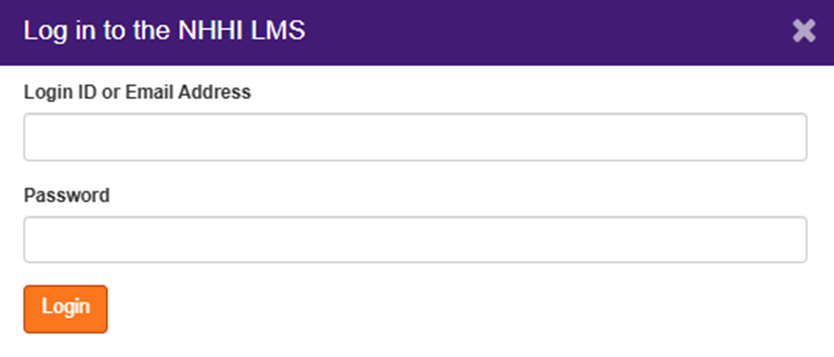
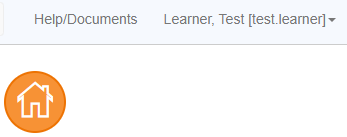
Once logged in, click on your name in the top right-hand corner of the screen:
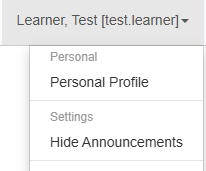
Select ‘Personal Profile’:
In the ‘Other Info’ tab, click on Modify and update your details accordingly:
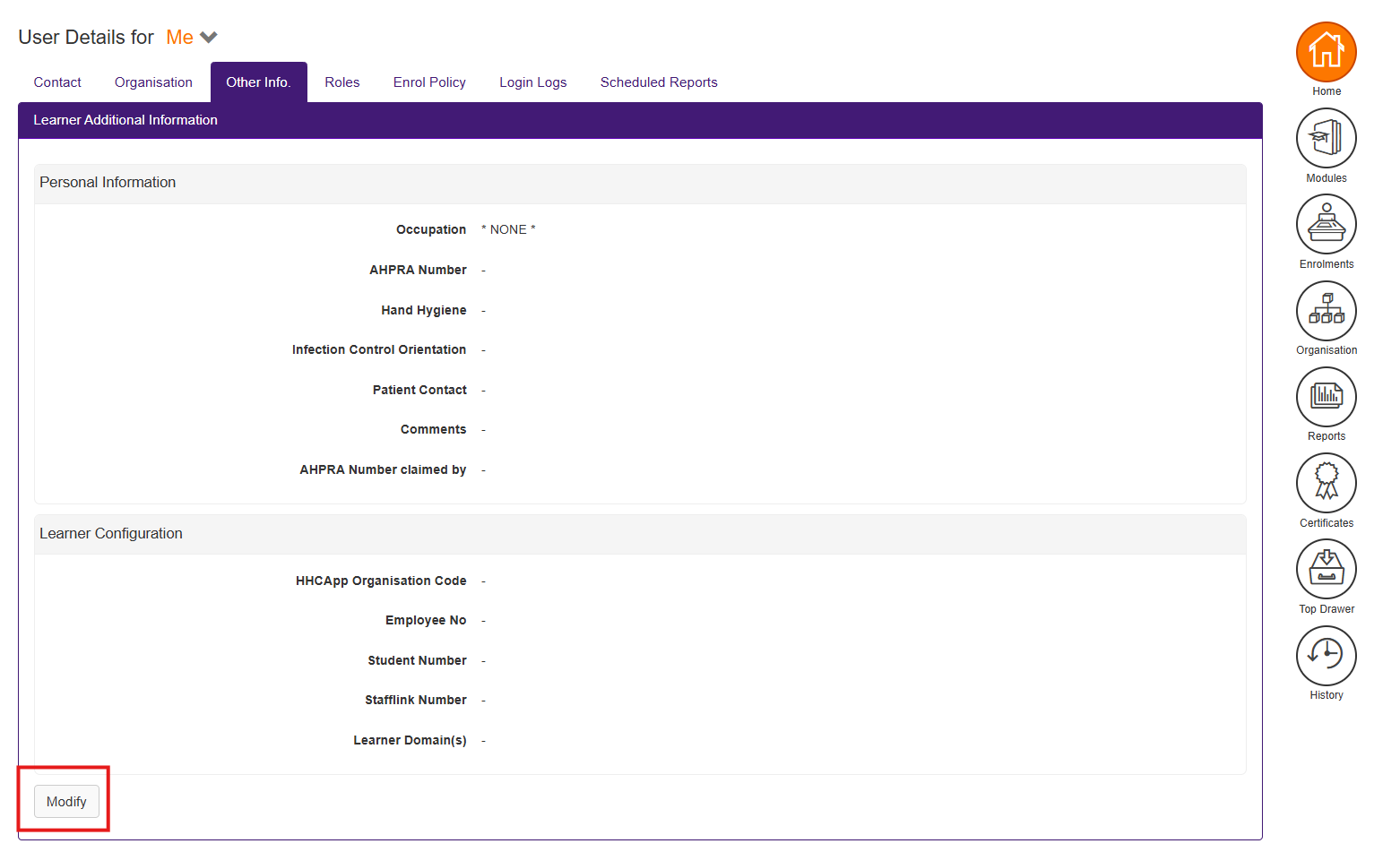
Update the relevant information and click Save.
Still need help?
Contact your Organisation Administrator or the NHHI Help Desk. To verify your identity, please provide the following:
- List of emails that may have been used (including past and current personal, work or student emails, even if you no longer have access to these)
- Organisation names (including past and current health organisations you have worked for and/or educational institutions where you have studied e.g. TAFE, university)
- Employee/student number (include past and current employer/ learning institution numbers)
- AHPRA number (if applicable)
- Any alternative personal names OR spellings.
Was this article helpful?
That’s Great!
Thank you for your feedback
Sorry! We couldn't be helpful
Thank you for your feedback
Feedback sent
We appreciate your effort and will try to fix the article